Add GoBuildWP in ChatGPT
Open the GoBuildWP plugin page in ChatGPT and add it to your account. Workspace admins on business plans may need to allow it first.
Now in the ChatGPT plugin directory
The GoBuildWP ChatGPT plugin is listed in the ChatGPT plugin directory. Add it once, sign in to a free GoBuildWP Cloud account, connect your WordPress sites from wp-admin, then ask ChatGPT to check, draft, edit or undo. Each site keeps its own GoBuildWP rules, so ChatGPT can only do what that site allows.
Sign in with GoBuildWP CloudFree for 3 sitesYour site's rules apply
Set up in minutes
You add the plugin once. Each site joins from its own wp-admin, so nobody can connect a site they do not run.
Open the GoBuildWP plugin page in ChatGPT and add it to your account. Workspace admins on business plans may need to allow it first.
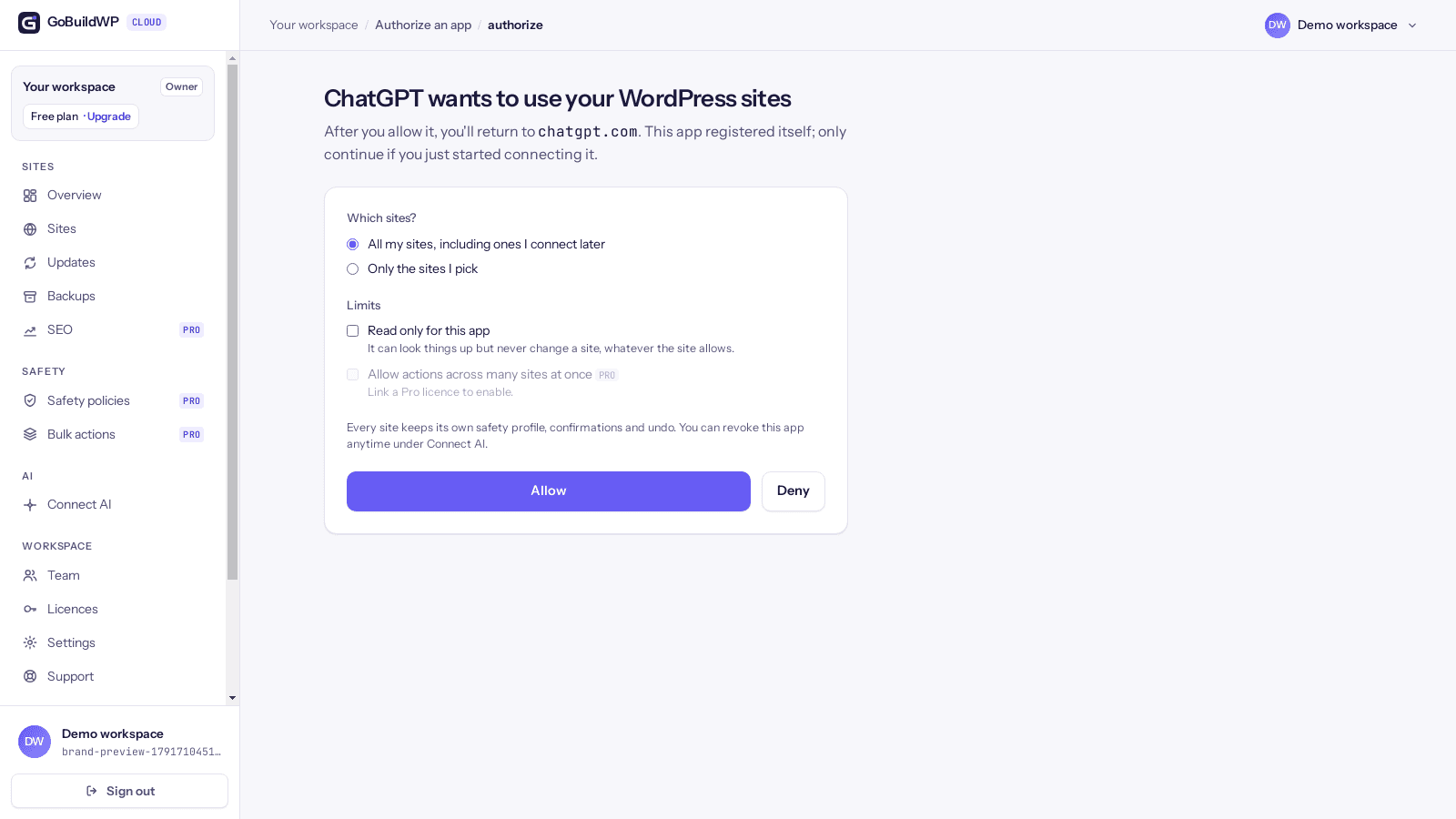
ChatGPT opens the GoBuildWP Cloud sign-in. Create a free account or sign in, then allow ChatGPT. Cloud Free covers up to 3 sites for one person.
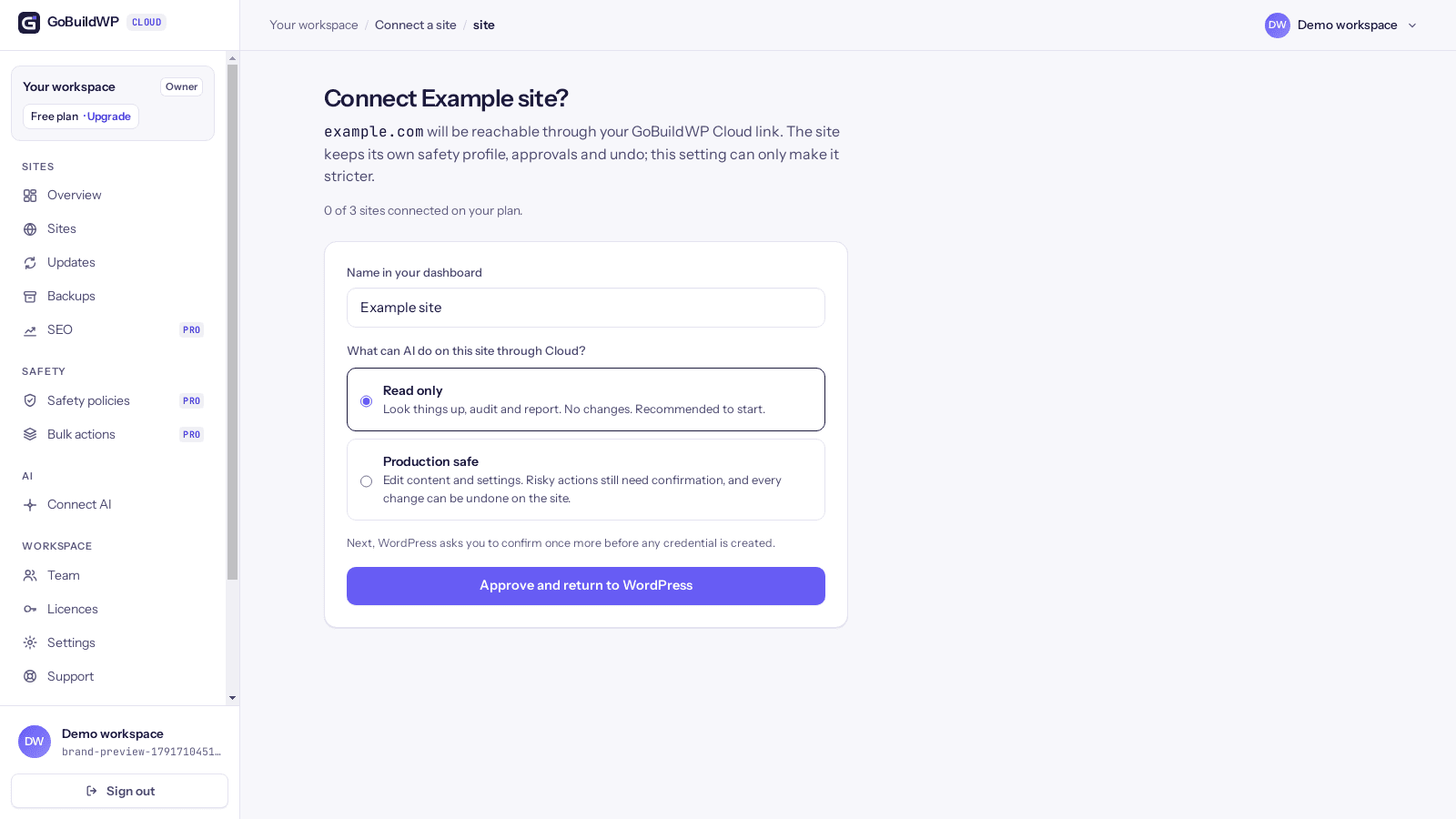
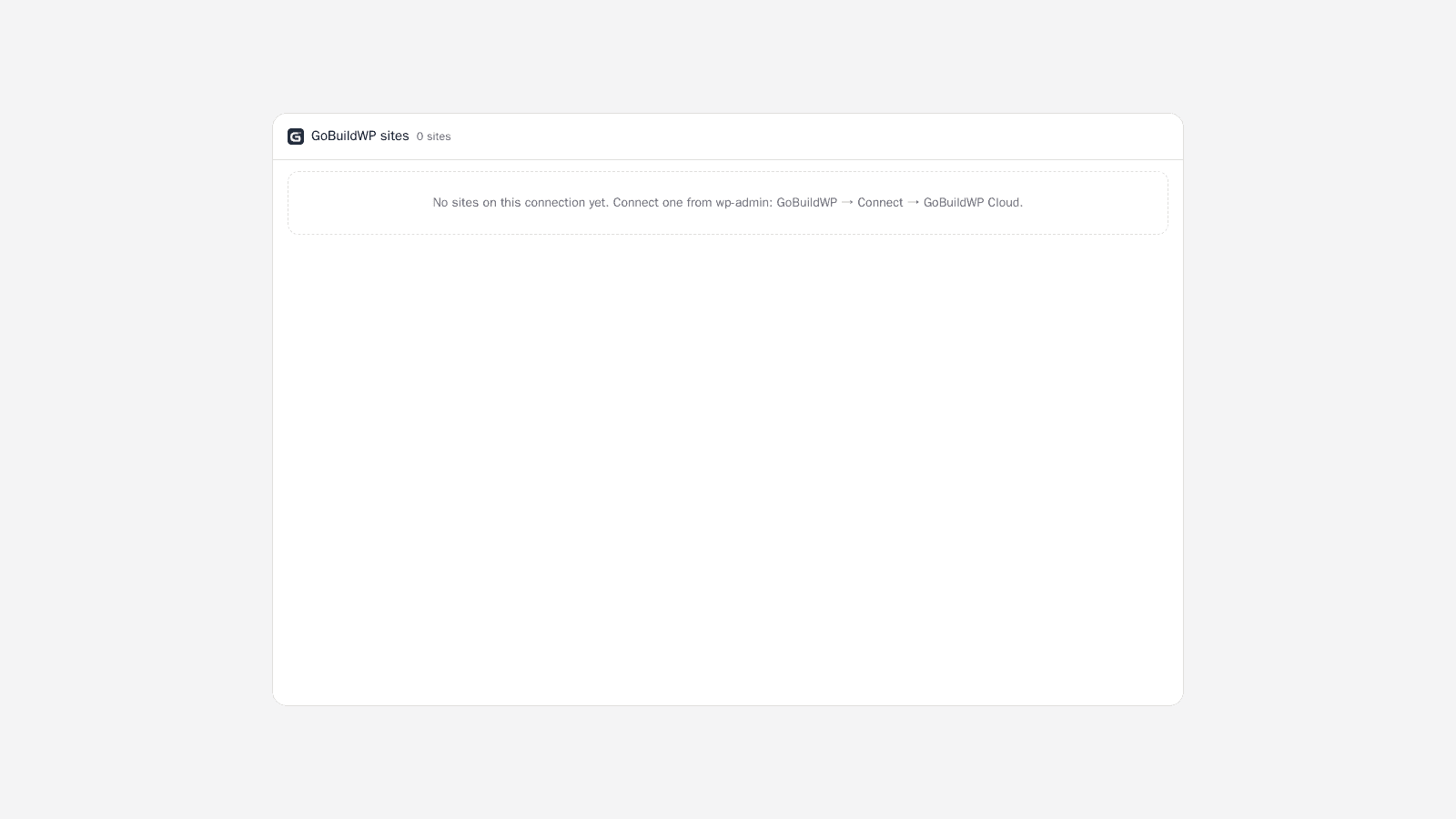
Install GoBuildWP 1.21.0 on the site, then go to GoBuildWP → Connect → GoBuildWP Cloud in wp-admin. Pick Read Only to start, approve, and confirm back in WordPress.
Start a chat, pick GoBuildWP and ask for something small first, such as a health check. ChatGPT lists your connected sites and works on the one you name.
Built-in skills
The plugin ships with three skills that tell ChatGPT how to use GoBuildWP: check first, ask before changing, and keep every change reviewable.
Try asking
Name the site and say what you want. ChatGPT picks the GoBuildWP tool, shows what it will change, and reports back in plain words.
Which of my WordPress sites need attention today?
Run a health check on my shop site and tell me what to fix first.
Draft a blog post about our spring opening hours, but keep it as a draft.
What changed on the agency site this week? Undo the menu change.
Everything in one place
FAQ
Yes. Adding the plugin and a Cloud Free account cost nothing, and Cloud Free connects up to 3 sites for one person. Paid Cloud plans add more sites, people and bulk work. Your ChatGPT subscription is billed by OpenAI.
Yes. ChatGPT talks to GoBuildWP Cloud, and Cloud talks to the GoBuildWP plugin on each site. Install GoBuildWP Free (WordPress 6.9+, PHP 8.0+) from the latest GitHub release, then connect it to Cloud from wp-admin.
Only what that site's GoBuildWP connection allows. Read Only stays read-only. Production Safe allows reviewed writes and can hold chosen actions for a person to approve in wp-admin. ChatGPT never receives your WordPress password.
Supported changes are recorded with what was there before, and you can undo them from the chat or from wp-admin. Actions the site marks as irreversible, and expired records, cannot be undone, and ChatGPT says so.
No. A custom connection with the Cloud link (https://app.gobuildwp.com/mcp) or your site's own MCP URL keeps working where your ChatGPT account allows one. The custom connection guide still covers that route. The directory plugin is simply the quicker way in.
Add the plugin, connect one site on Read Only, and ask for a health check.